This is one of my favourite spaces to share our new branding and website launches, along side some fantastic business information.
Reasons to Love DotCal
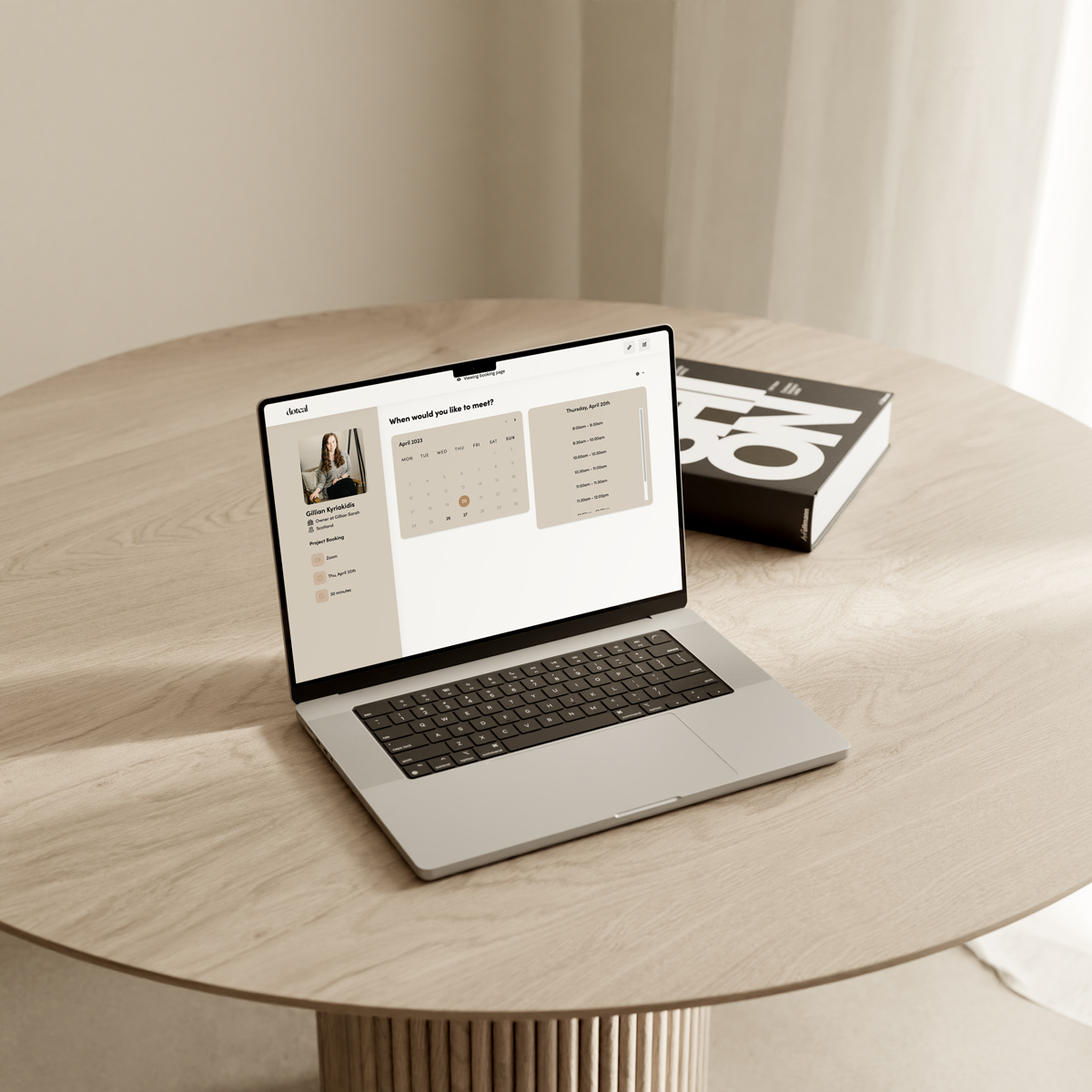



Are you having trouble managing your appointments and events? Need help remembering important meetings or organising your schedule? If the answer is yes, you need a calendar tool like DotCal.
DotCal is a cloud-based app that helps manage bookings, appointments, and events so you’ll never miss another important date ever again. It’s the perfect tool for busy entrepreneurs with a lot on their plate. With DotCal, you can keep track of appointments across different platforms.
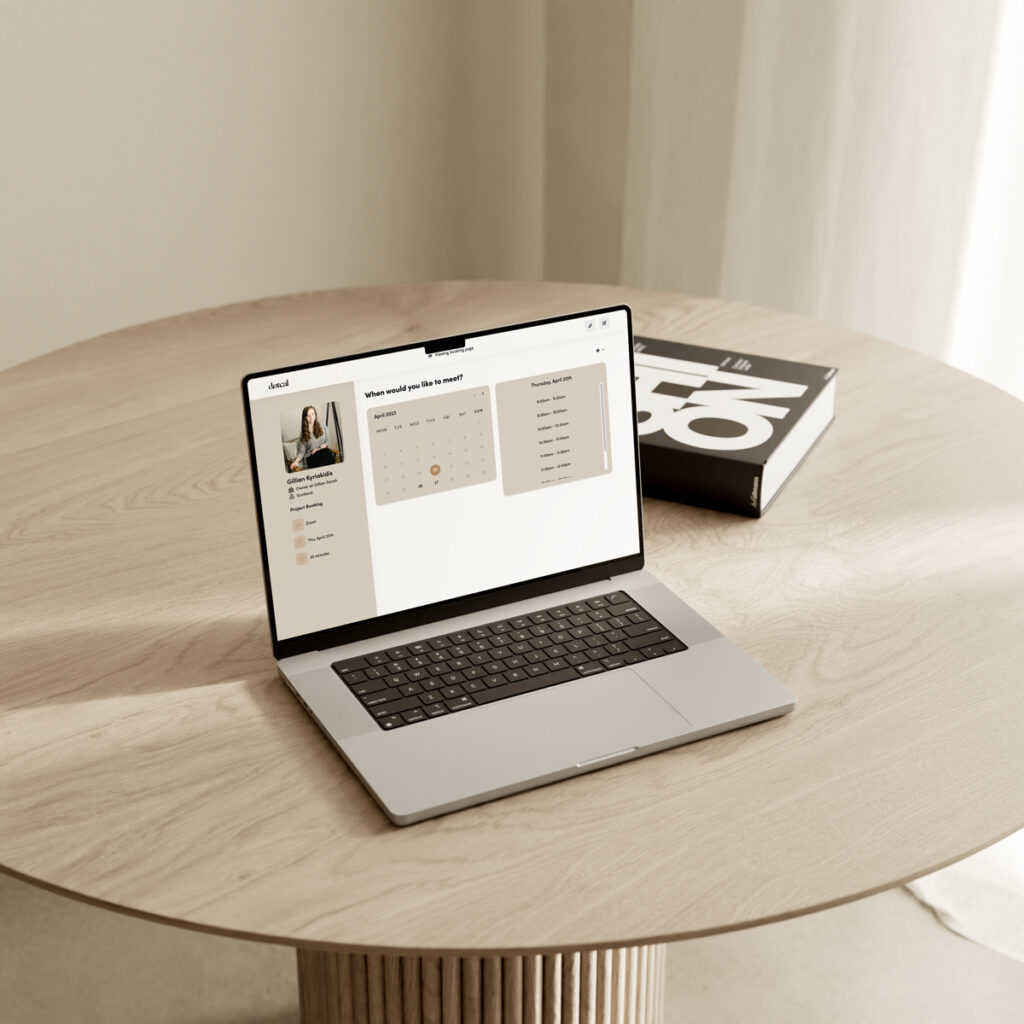
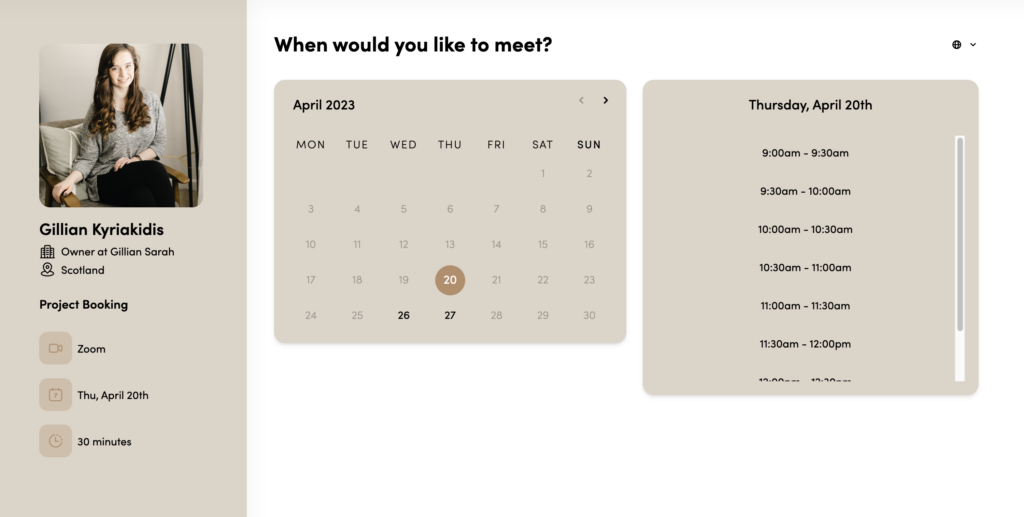
If your business is design-centric, you can’t find a better booking page builder than DotCal. And that’s what sets the service apart from other online calendar apps. With DotCal, you can choose a booking page template and customise it to suit your brand. You can add brand logos and other visuals and choose a font style and colour scheme.
By presenting an on-brand booking page, you’re giving a consistent user experience to clients. Also, clients feel that your booking page is an extension of your website, which is critical for better branding.
DotCal Features
DotCal’s basic features include the following:
- Customising meeting names and links
- Adding booking descriptions
- Deciding the meeting length
- Choose the meeting location and format
- Invite client/s to a meeting
- Add co-organisers
- Send automatic email confirmation for booked dates
DotCal’s advanced features include the following:
- Use Smart Fields to customise calendar invites
- Provide the option to cancel or re-schedule booked dates
- Add buffer time before and after a booked appointment
- Add custom fields to collect client infos
Still on the fence about DotCal? Here are just some of the many reasons why you should give this productivity tool and booing page builder a try:
6 Reasons to Love DotCal
DotCal is not only a versatile productivity tool, but it’s also a helpful booking management platform. Here are just a few of its many unique features:
Easy to Use
DotCal is incredibly user-friendly and requires no code to use. The interface is easy to navigate – all the tools you need are laid out, so you’ll have all the tools you need to build a booking page at a glance.
Flexible Features
DotCal is primarily used to create booking pages, but it’s also used to create personalised booking links for easy sharing and schedule team meetings or calls weekly or monthly. The features are flexible; you can generate booking pages or share them with entire teams or multiple clients.
Seamless Integration
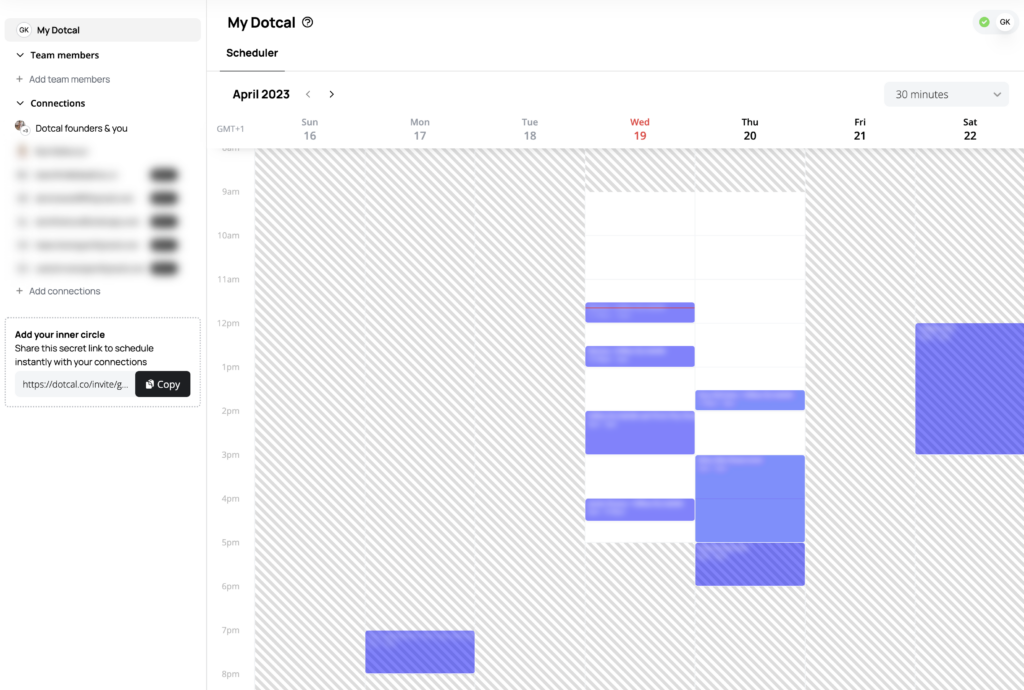
Integration may be tricky for new apps but not DotCal. In fact, DotCal plays well with different calendar apps, including Microsoft Outlook, Apple iCloud, and Google Calendar. With DotCal, you can also set appointments straight from your inbox because it integrates seamlessly with major email platforms!
Automatic Reminders
Keeping track of important dates is a pain if you’re a busy entrepreneur. Thankfully, DotCal has an automatic reminder feature, so you will never miss an important date. What’s more, the automated reminder feature is customisable. You can add relevant information about the meeting, such as the date, time, and place, before scheduling it within DotCal.
On-Brand Booking Page Builder
Booking pages aren’t exactly known for being on-brand until DotCal. It’s the first design-focused booking platform, after all. DotCal offers various booking page templates that you can customise to represent your brand. You can change the colour scheme, layout, font style, and images to create an on-brand booking page.
No Coding Needed
You don’t have to be an expert graphic designer to create your booking page. You can make one within minutes and won’t use codes at all. Apart from designing your booking page, you can do the integrations with your email accounts with just a click of a button!
DotCal will be especially beneficial for professionals struggling to manage their appointments or those needing help keeping track of their schedules. With DotCal, you can set up individual and team meetings. You can keep track of important dates across multiple platforms. If you’re spending a considerable chunk of your time managing client meetings, you should give DotCal a try!
Dotcal is an online calendar and scheduling platform that allows users to manage their appointments, events, and tasks efficiently. It’s designed to make organizing your life easier, with various features such as customizable views, reminders, and integrations with other apps.
es, Dotcal offers a free basic plan with limited features for personal use. There are also premium plans available, providing additional features and support for a monthly or yearly fee.
Absolutely! Dotcal is compatible with various devices, including desktops, laptops, tablets, and smartphones. Your calendar and events will sync across all devices, ensuring you stay organized wherever you go.
With Dotcal, you can easily share your calendar with friends, family, or colleagues. You can provide them with view-only access or grant permissions to edit and manage events, depending on your preferences.
Yes, Dotcal can be integrated with a wide range of third-party apps, such as email clients, project management tools, and more. This allows you to streamline your workflow and keep everything in one place.
Your data privacy and security are important to us. Dotcal uses encryption and secure protocols to protect your information. You can also set up additional security measures, such as two-factor authentication, to ensure your account remains secure.
Yes, Dotcal allows you to import data from other calendar applications in standard formats like iCal and CSV. This makes it easy to switch to Dotcal without losing any of your existing events or appointments.
Definitely! Dotcal has features specifically designed for team collaboration, such as shared calendars, event invitations, and meeting scheduling tools. This makes it easy for teams to stay organized and coordinate their schedules.
To get started with Dotcal, simply sign up for a free account on the Dotcal website. Once you’ve created your account, you can begin customizing your calendar, adding events, and exploring the various features available to you.
Dotcal offers a comprehensive Help Center with articles, tutorials, and frequently asked questions to assist you in using the platform. If you need additional support, you can contact the Dotcal support team for personalized assistance.
Leave a Reply
Free, takes about half an hour, and you can leave the list whenever you like.
37 words and phrases that give AI copy away, plus the twenty minute fix for the most important line on your site.
May 9th, 2023 at 7:02 am
[…] DotCal is designed for busy entrepreneurs and businesses that want to manage appointments and save time on scheduling. It's designed for professionals running their online business independently and teams requiring a reliable platform to schedule meetings and save important dates. If you are tired of missing one meeting after another because you've got your hands full and need help keeping track of important dates, you will benefit from using DotCal. […]